More ways to use the same engine
Continue with desktop, AI, or direct integration
The free WebApp above is the fastest way to try RotoSpider, with an explicit mm/inch selector for display and input. The Windows app adds the complete manual workflow; MCP and WebAPI bring the same deterministic layout engine into other tools.
Windows Desktop · V0.6.1
Review, adjust, and save the full layout
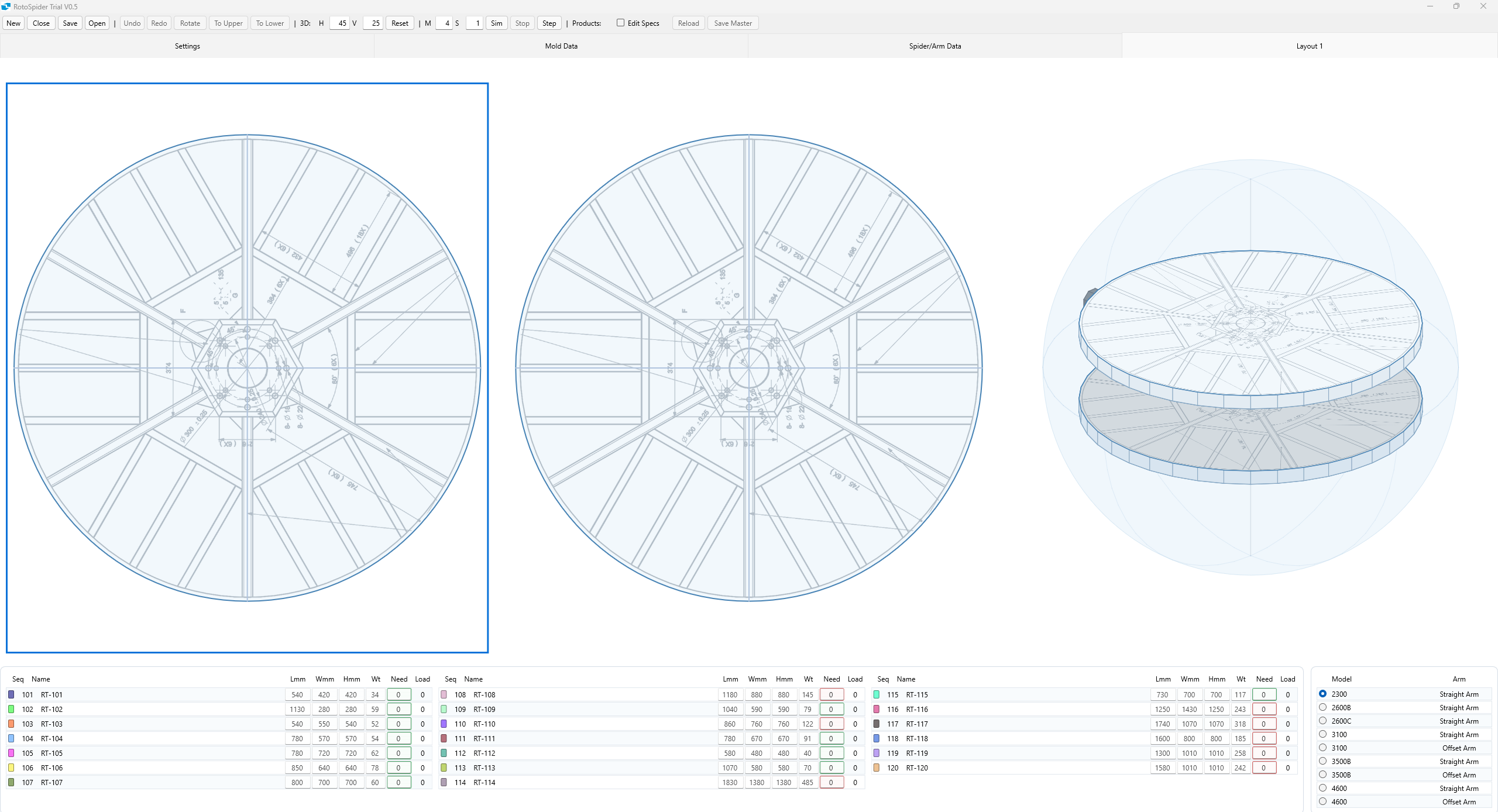
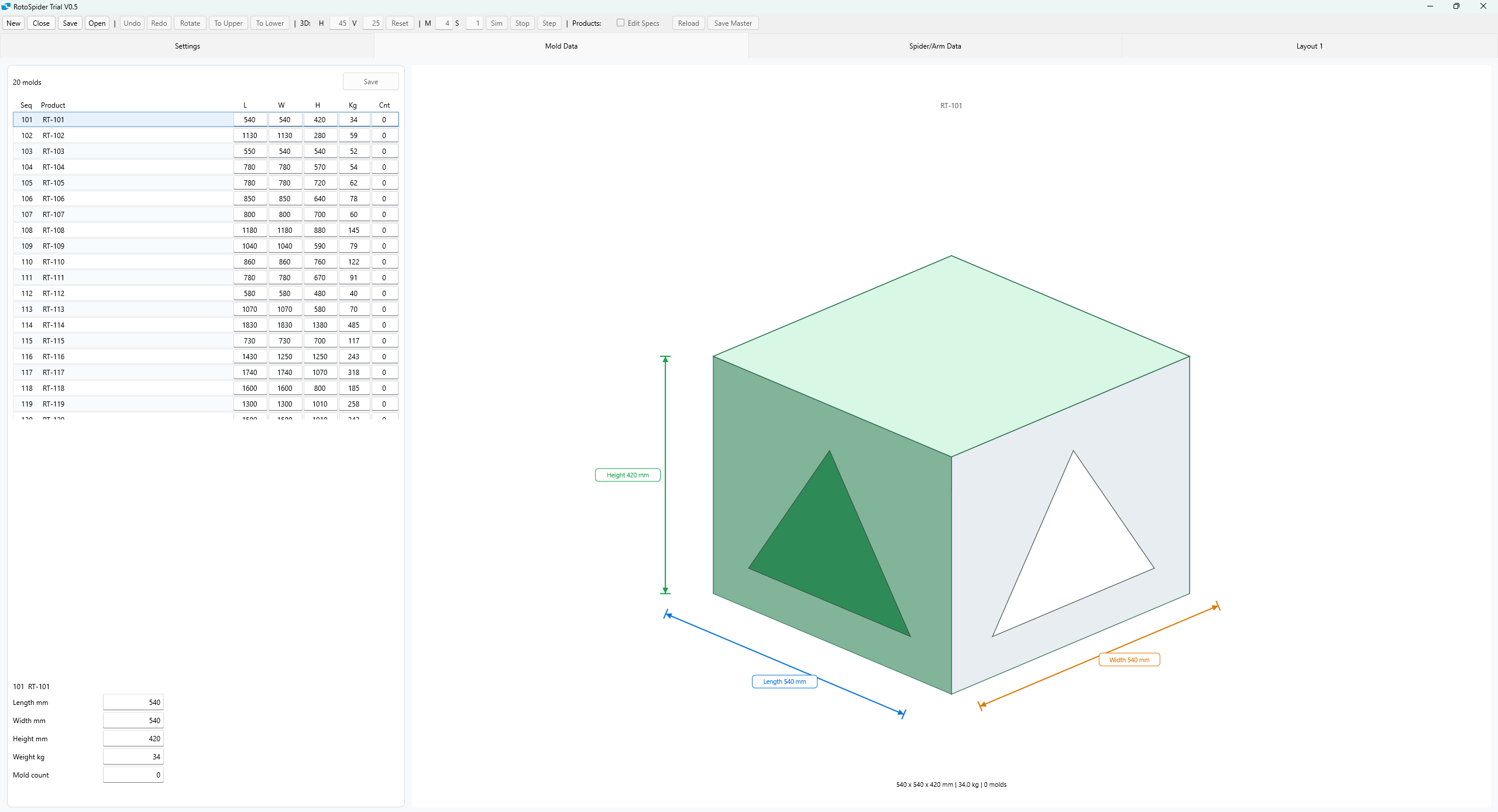
Use upper/lower 2D panes and the 3D simulation, manually move molds, maintain master data, and save a reloadable Excel workbook. The 64-bit trial is a portable ZIP with no installer.
English trial valid through 2026-09-30. Sample data is representative, not certified factory master data.
AI assistants · MCP
Ask layout questions from your assistant
Add the Streamable HTTP endpoint to an MCP-capable assistant such as Claude or Cherry Studio. It calls the real geometry engine—never an AI estimate.
https://mcp.zhihuo.net/roto/mcp
Connection and question examples
- In Claude: Settings → Connectors → Add custom connector, then paste the endpoint.
- In Cherry Studio: Settings → MCP Servers → Add → Streamable HTTP.
- Ask: “Can two 720×520×420 mm molds and two 640×610×380 mm molds share the 2600C arm?”
- Or give the same dimensions with explicit decimal
_in fields.
Developers · HTTPS JSON
Integrate the layout check directly
Send box or cylinder molds plus a preset machine or explicit arm geometry. Use physical _mm fields on a 0.001 mm grid or matching decimal _in aliases. Canonical results stay in physical millimetres; an optional inch display view is available.
POST https://mcp.zhihuo.net/roto/api/layout/check
Developer Preview · Working examples
Call RotoSpider from Python, JavaScript, curl, or PowerShell
Download runnable clients, equivalent millimetre and inch requests, and an AI-agent scheduling workflow. The examples call the public RotoSpider layout API and keep the deterministic geometry engine in charge of every fit decision.
Inside the download
- Python 3 standard-library client
- Node.js 18+ JavaScript client
- curl and PowerShell examples
- Equivalent integer-mm and decimal-inch requests
- AI-agent scheduling boundary and factory checklist
python python/layout_check.py
Active iteration: these examples work with today's API, but the schemas and examples are not yet a frozen compatibility contract. The public RotoScheduler scheduling interface is still being shaped with rotomolders. Contact us with your arm/spider geometry, mold master data, cycle and mold-changeover times, scheduling rules, and MOM/ERP requirements.